Designing a Token That Can Only Do Three Things

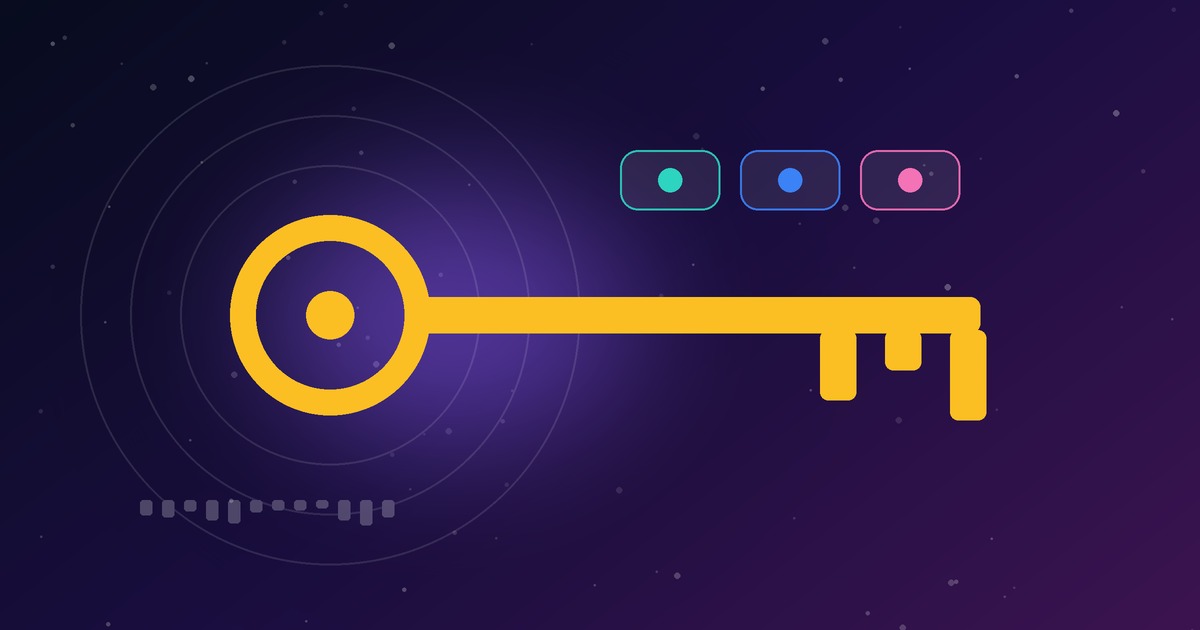
When we built a command-line tool and a VS Code extension for publishing project docs to our Console, we needed a way for them to sign in. The obvious route, reusing the browser login, was the wrong one. A terminal is a place where credentials leak: shell history, screen shares, a stray .env file.
So we gave the tools their own door, and made it narrow.
The shape of the token
Each staff member creates a personal access token in Settings. A few decisions shaped it:
- Shown once. The secret is displayed at creation and never again.
- Stored as a hash only. We keep the SHA-256 of the token, not the token. A database leak does not hand out working credentials.
- Expires. The creator picks 30 days, 90 days or a year, with 90 as the default.
- Limited in number. Ten per person keeps the list reviewable.
- Revocable. Each token can be revoked from Settings at any time, and "last used" is recorded so forgotten tokens stand out.
An allowlist, not a blocklist
The key idea is that a token is accepted by name, on a short list of routes: reading who you are and your projects, reading and writing a project's README and changelog, uploading pictures and source, and announcing a push. Anything else answers with a clear TOKEN_SCOPE error.
We chose an allowlist because blocklists fail quietly. Add a new endpoint next month and a blocklist exposes it by default. An allowlist keeps it closed until someone decides otherwise. A leaked token can never reach billing, people, chat or token management.
Normal rules still apply
A token acts as its owner, so the usual permission checks still run. A viewer cannot push. A project on hold cannot be changed. The token narrows what is reachable and never widens what the person may do.
Small choices that add up
- No shell. The VS Code extension starts the CLI with an argument list rather than a command string, so text in a push note cannot be read as a command.
- Secret storage. In the editor the token lives in VS Code's secret storage, not a settings file.
- Skipped by default. Source uploads exclude environment files, keys and certificates, and say what they skipped.
- Conflict checks. A push is refused if the document changed on the server since the last pull.
Takeaways
- Give automation its own credential, not a person's session.
- Hash at rest, show once, expire by default.
- Allowlist routes, and fail with an error that says why.
- Let existing authorisation run as normal behind the narrower door.
None of this is exotic. It is the discipline of deciding, before shipping, what the smallest useful key looks like.