Micro-Interactions That Make Apps Feel Expensive
The difference between an app that feels premium and one that feels cheap is rarely the big features. It's usually a dozen tiny details nobody consciously notices.

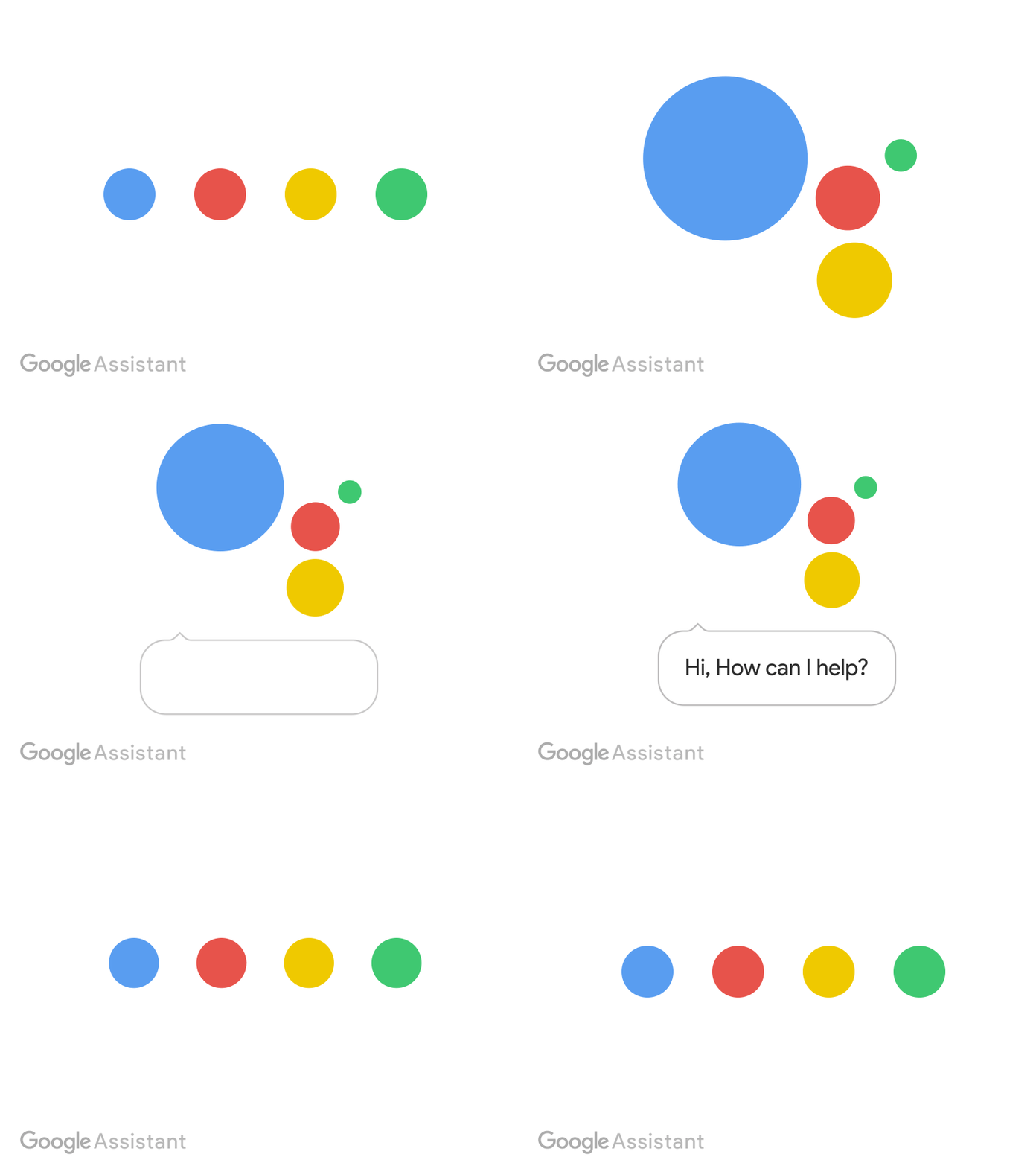
Ask someone why an app feels "expensive" and they'll usually point at something vague — clean design, good colors, smooth animations. Ask them to point at the exact moment it happened, and most people can't. That's because the feeling isn't built from one big decision. It's built from dozens of small ones, most of them lasting under 300 milliseconds.
These are micro-interactions: the tiny responses a product gives you for a single action. A button that presses down when tapped. A checkbox that fills with a satisfying little bounce. A form field that shakes gently when you submit it wrong instead of just turning red. None of them are "features" in the sense anyone would list on a pricing page. All of them are why some apps feel considered and others feel assembled.
Why they matter more than they seem to
A micro-interaction does three jobs at once: it confirms the system heard you, it gives the action a sense of physical weight, and it fills the gap between "I did something" and "something happened" so the wait never feels like uncertainty.
Skip them, and every action feels slightly unresolved — did that actually save? Did the tap register? Users compensate by tapping twice, waiting longer than necessary, or losing a small amount of trust in the product each time. It's rarely enough to cause a support ticket. It's more than enough to make the product feel less polished than a competitor's.
Where they show up, and where they're worth the effort
Button and tap feedback. The scale-down-slightly-on-press effect is so common it's almost invisible now — which is exactly why its absence is noticeable. A button that does nothing visually until the next screen loads feels laggy even on a fast connection.
Loading and empty states. A blank white screen while data loads reads as broken. A skeleton loader, or even a simple fade-in once content arrives, reads as intentional. This is one of the highest-leverage places to invest, because every product has loading states and most of them are neglected.
Success and error feedback. A green checkmark that draws itself in, rather than just appearing, turns a mundane confirmation into a small moment of satisfaction. On the flip side, a form error that appears with a subtle shake draws the eye exactly where it needs to go without a jarring red wall of text.
Toggle and switch states. These get touched constantly — settings, preferences, filters. A toggle that snaps instantly with no transition feels mechanical. One with a slight overshoot on the animation feels tactile, almost physical.
Pull-to-refresh and scroll physics. iOS popularized the rubber-band scroll effect for a reason: it makes a flat list of data feel like it has weight and boundaries, rather than being an infinite, characterless scroll.
The trap: overdoing it
Micro-interactions earn their name because they're supposed to be micro. The moment a user consciously notices the animation rather than the result of their action, it's gone on too long or become too elaborate. A button press that takes 400ms to settle feels sluggish, not delightful. A celebratory confetti animation on every single form submission stops feeling celebratory by the third time.
The best micro-interactions are the ones a user would struggle to describe afterward — they just remember that the app "felt good" to use. If someone can specifically recall an animation, it's usually because it got in their way.
A practical starting point
If you're auditing an existing product rather than designing from scratch, start with the interactions your users touch most often — not the ones on your most visually impressive screen. A slightly better animation on your onboarding flow's welcome screen matters less than fixing the sluggish feedback on the button people tap fifty times a day.
Small, frequent interactions compound. That's the whole secret. Nobody falls in love with an app because of one incredible animation. They fall in love with it because every single tap, for months, quietly felt right.